
Guides
How to Use Your Handwriting Font in Procreate, Canva, Word, and Cricut
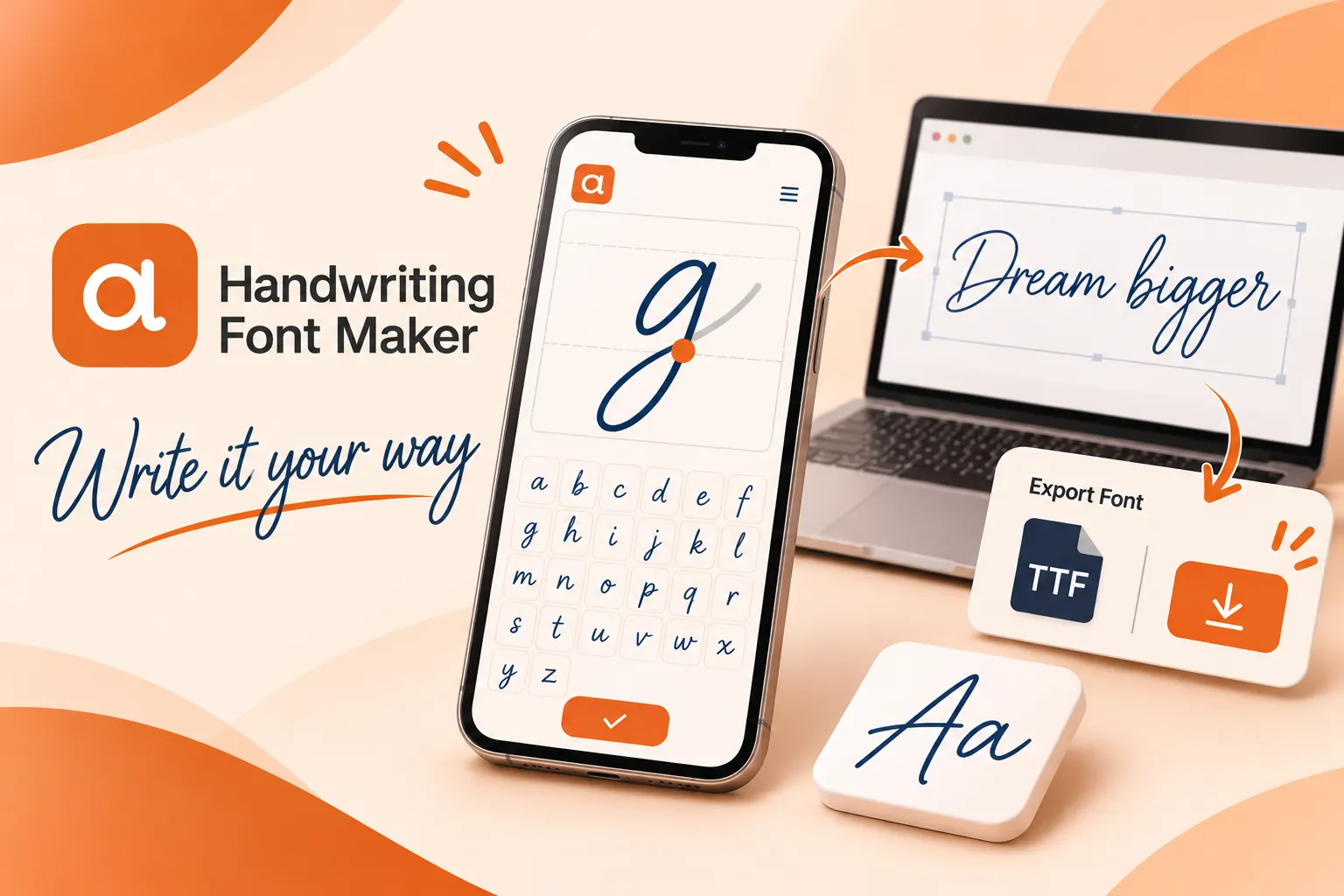
In short: a handwriting font exported as a .ttf file behaves like any font on your device. Import it into Procreate on iPad, or install it on your Mac or Windows PC and it shows up in Word, Pages, and Cricut Design Space. Canva accepts custom uploads too, though that is typically limited to paid plans.
This guide assumes you already have your .ttf file. If you're still at the drawing stage, our walkthrough on how to turn your handwriting into a real font covers that first. This post picks up at the moment you have the file and want to put it to work.
Key takeaways
- A .ttf (TrueType Font) is a universal standard, so one file works across devices and apps.
- On iPad, Procreate can import the file directly. No computer is required.
- On Mac and Windows, installing the file once makes it available in every app that reads system fonts.
- For Cricut projects, weld your letters so the cut stays connected.
- Keep a backup of the file. It is the only thing you need to reinstall your font anywhere.
Which method should you use?
Pick the row that matches what you want to make:
| What you want to make | How the font gets in | Computer needed? | Best app |
|---|---|---|---|
| Hand-lettered art and quotes | Import into the font library | No | Procreate (iPad) |
| Letters, invitations, worksheets | Install on Mac or Windows | Yes | Word or Pages |
| Social posts and graphics | Upload (typically a paid plan) or import your design as an image | Helpful | Canva |
| Vinyl, decals, cards, labels | Install on Mac or Windows | Yes | Cricut Design Space |
Before you start
You need one thing: the exported .ttf file, saved somewhere you can reach it, such as the Files app on your iPhone or iPad. With Handwriting Font Maker, drawing and previewing are free, and exporting the .ttf needs the one-time Pro unlock. If you want to see how the process works first, check the how it works section.
Using your handwriting font in Procreate
- Save the .ttf to the Files app.
- Open Procreate and add a text layer.
- Tap the font name in the text editor and choose the option to import a font.
- Pick your .ttf file. It now appears in your font list.
This is the quickest route because everything stays on your iPad. For menu details, the Procreate Handbook is the official reference.
Installing your font on a Mac
- Double-click the .ttf file.
- Click Install Font in the preview window.
- Restart any open apps so they refresh their font lists.
Apple's Font Book guide explains how to organize and remove installed fonts later.
Installing your font on Windows
- Right-click the .ttf file and choose Install.
- Restart any open apps.
If you want Microsoft's own steps, see how to add a font.
Using your font in Word and Pages
Once installed, your font appears in the font dropdown in Microsoft Word and Pages like any built-in option. It is a natural fit for personal letters, thank-you notes, classroom worksheets, certificates, and signature lines. If you share a document with someone who doesn't have your font installed, export it as a PDF so your handwriting displays correctly for them.
Using your font in Canva
Canva supports custom font uploads, but this is typically limited to paid plans, so check yours before you start. If you can upload, add your .ttf through Canva's brand or font settings and it will appear in your text options. If you can't, there's an easy workaround: set your text in Procreate or Word, export it as an image, and place it into your Canva design. The Canva Help Center has current upload instructions.
Using your font in Cricut Design Space
Cricut Design Space reads the fonts installed on your computer. Install the .ttf, restart Design Space, and choose your font from the text tool.
Handwriting fonts need one extra step for cutting. Because the letters are separate shapes, they can be cut as separate pieces. To keep a name or phrase in one piece, tighten the letter spacing until the letters overlap slightly, then weld them together. The Cricut Help Center explains the welding tools.
How to make your handwriting font look better in real projects
- Use it where personality matters. Names, headings, quotes, and accents work best. Long paragraphs are easier to read in a plain typeface.
- Pair it with something neutral. A simple sans-serif from Google Fonts lets your handwriting stand out without competing.
- Give it room. Increase line spacing slightly so the natural curves of handwriting don't crowd each other.
- Check contrast. Thin strokes can disappear on busy photos or light colors. Place the text on a solid or darker area.
- Fix the outliers at the source. If one letter looks taller or wider than the rest, redraw it using the app's guide lines and re-export.
Project ideas for your handwriting font
- Wedding invitations, place cards, and menus that look hand-lettered
- A signature-style logo or watermark for a small shop or portfolio
- Planner pages, journal covers, and printable checklists
- Personalized Cricut decals, gift tags, and mugs
- Worksheets and name labels for classrooms
- Social media captions and quote graphics in your own style
Backing up and organizing your font file
Your .ttf is a single standard file, which makes it easy to protect. Copy it to cloud storage such as iCloud Drive or Google Drive, and keep a copy on your computer. Give it a clear name, such as your name plus the year, so it's easy to find if you create more than one font. Because the app lets you create unlimited fonts, a different file for each style or occasion keeps things tidy.
Common mistakes and quick fixes
- The font doesn't appear in a design app. Restart the app. Most only read installed fonts when they launch.
- It installed but looks wrong. Confirm you installed the exported .ttf and not a preview image.
- A web-based tool ignores it. Cloud tools often need the font uploaded inside the tool instead of installed on your system.
- The recipient sees a different font. Send a PDF, or share the .ttf file with them.
- Letters look inconsistent. Redraw the uneven letters and re-export.
Why a real .ttf beats a font keyboard
Many "handwriting" apps are keyboards, so the style only exists while you type inside that keyboard and disappears when you leave. A real .ttf is a portable file you own, and it works in the design tools above. You can see the difference laid out in the comparison section of the main site.
Frequently asked questions
How do I use my own handwriting as a font in Procreate?
Export your handwriting as a .ttf file, save it to the Files app on your iPad, then import it into Procreate's font library from the text tool. It then appears in your font list like any other font.
How do I install a custom .ttf font on Mac or Windows?
On Mac, double-click the .ttf file and click Install Font. On Windows, right-click the file and choose Install. Restart any open apps so they refresh their font lists.
Can I use my handwriting font in Cricut Design Space?
Yes. Install the .ttf on your computer, restart Design Space, and your font appears in the text tool's font list. For cutting, adjust letter spacing and weld the letters together so the cut stays in one piece.
Can I use a custom font in Canva for free?
Custom font uploads in Canva are typically limited to paid plans. As a workaround, set your text in another app such as Procreate or Word, export it as an image, and add it to your Canva design.
Does my handwriting font work in Microsoft Word and Pages?
Yes. After you install the .ttf on your computer, it appears in the font dropdown in Microsoft Word and Pages like any built-in font.
Do I need an Apple Pencil to make a handwriting font?
No. You can draw your letters with a finger, though an Apple Pencil gives finer control.
Why does my handwriting font look uneven in a design?
Uneven results usually come from inconsistent letter height or spacing when the letters were drawn. Redraw the outlier letters, use the guide lines while drawing, and adjust letter spacing in your design app.
What fonts pair well with a handwriting font?
A clean, simple sans-serif usually pairs best. Use your handwriting font for names, headings, and accents, and a neutral typeface for longer body text.
Is a handwriting font keyboard the same as a .ttf font?
No. A font keyboard only displays handwriting-style text inside its own keyboard. A real .ttf file is a standard font that installs on your device and works in design and word-processing apps.
How do I back up my handwriting font?
Copy the exported .ttf file to cloud storage such as iCloud Drive or Google Drive and to your computer. Because it is a single standard file, you can reinstall it on any device at any time.
For more questions about the app itself, see the FAQ on the main site.
Ready to turn your handwriting into a font?
Download Handwriting Font Maker on the App Store. Drawing and previewing are free, and a one-time Pro unlock lets you export your .ttf. Visit the Handwriting Font Maker home page to learn more, read our step-by-step guide to making your font, or browse the blog.
Ready to make your handwriting font?
Draw on iPhone or iPad, preview live, and export a real .ttf file.